Scam Texts About Parcels and Payments: How to Spot and Report Them
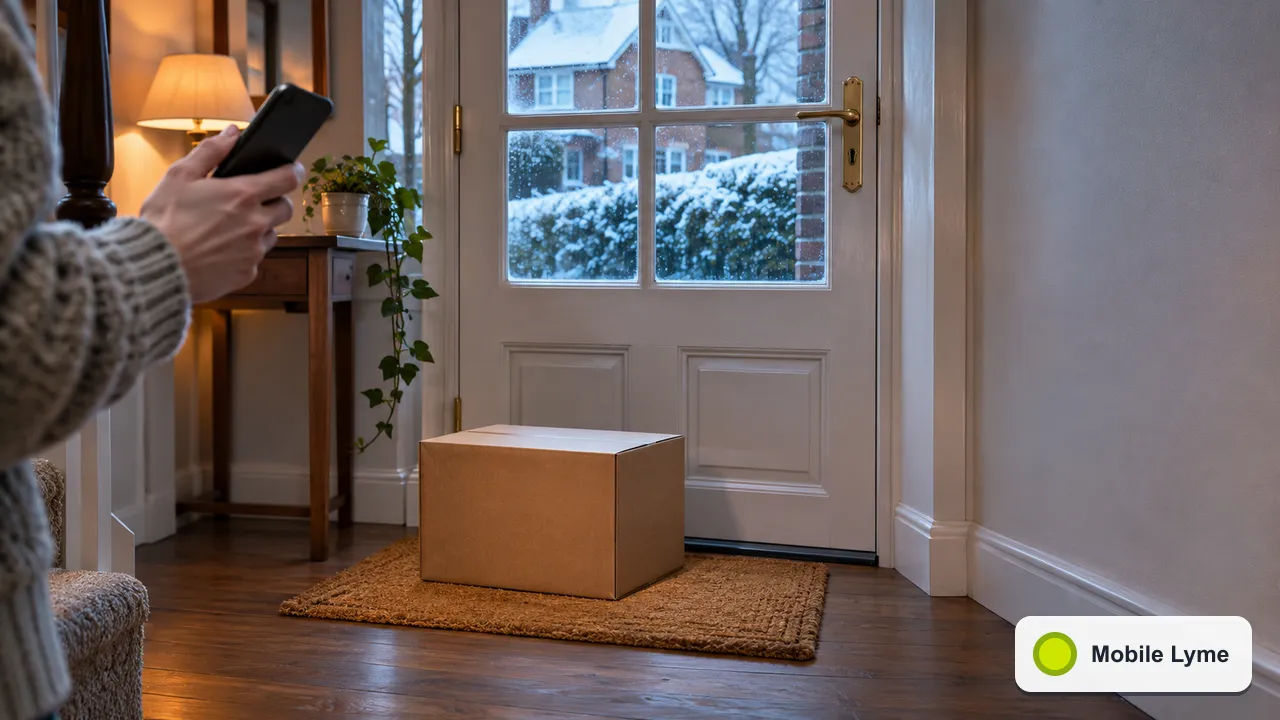
If a text says a parcel could not be delivered, a payment failed or a fine is overdue, do not tap the link. Forward the message to 7726, a free reporting number most UK networks use, then delete it. If a caller says they are from your bank, hang up and dial 159 to reach your bank's genuine fraud line.
Scam texts follow the calendar. In the run-up to Christmas, more of us are waiting for deliveries and paying for things online, and the fake messages follow suit: missed parcel notices, "pay a small redelivery fee" links and warnings that an order has been put on hold. Knowing what to do with them takes seconds once it is a habit.
What these texts have in common
The wording changes every few weeks, but most scam texts share a handful of features:
- A small payment. A redelivery fee, a customs charge or a toll of a pound or two. The amount is not the point; the goal is your card details.
- Urgency. "Your parcel will be returned today" or "your account will be closed".
- A link to a page that copies a real company's style and asks for your name, address and card number.
- An unusual sender. A mobile number or an email address rather than the company's usual name in the sender field, although criminals can sometimes fake the sender name too.
The safest rule is to never act on a link in an unexpected text. If you are genuinely waiting for a parcel, open the retailer's app or website yourself, or type the courier's address into your browser, and check the tracking number from your order confirmation.
How to report a scam text with 7726
The National Cyber Security Centre's guidance says most UK phone providers are part of a scheme that lets you report suspicious texts for free by forwarding them to 7726. Your provider can then investigate where the text came from and arrange to block or ban the sender if it proves to be malicious.
On an iPhone, note the number that sent the message, press and hold the message bubble, tap More, select the message, tap the forward arrow and send it to 7726. On Android, the process is similar: open the conversation, press and hold the message, tap the three-dot menu, choose Forward and send to 7726.
The NCSC adds that if 7726 does not work, you can ask your phone provider how to report a text. You can also send a screenshot of a scam text or a suspicious QR code to the NCSC by email, using the address on its reporting page.
Scam calls: hang up and use 159
Text scams often come with a follow-up call. Someone rings claiming to be your bank's fraud team, says there has been suspicious activity and asks you to move money or read out a code. Stop Scams UK explains the 159 service, a short number that connects you safely and directly to your bank. It says 159 now reaches customers of more than 99% of UK retail bank current accounts, and that unlike many long numbers, 159 cannot be spoofed.
If you are unsure about a call, hang up, wait a moment, then dial 159 from your phone. Your genuine bank will never mind you checking.
If you have already tapped the link
It happens to careful people too. What to do depends on how far you went:
- You opened the page but entered nothing. Close it and report the text. Clear the browser tab. Keep your phone's software up to date.
- You entered personal details but no card. Be wary of follow-up calls and texts that use those details to sound convincing.
- You entered card or bank details. Contact your bank straight away using the number on your card, or call 159, and ask them to block the card.
The NCSC says that if you have lost money or been hacked as a result, you should report it. In England, Wales and Northern Ireland that is through Report Fraud at reportfraud.police.uk or on 0300 123 2040. In Scotland, contact Police Scotland on 101.
Settings that cut down the noise
You will never stop every scam message, but your phone can filter a good share of them:
- iPhone: in the Messages section of Settings, turn on the option to filter or screen unknown senders, so texts from people not in your contacts are kept apart from your main list.
- Android: in Google Messages, turn on spam protection in the message settings. Samsung Messages has its own block and spam options.
- Lock screen previews: hiding message previews on the lock screen stops one-time codes being visible to anyone holding your phone.
It is also worth turning on the theft protection settings described in our guide to protecting your phone against snatch theft. A criminal with your phone and your passcode can read your security codes as easily as you can.
Helping someone else
Older relatives and teenagers with their first phone are frequent targets, often for different scams. Show them how to forward a text to 7726 and save 159 in their contacts while you are together over Christmas. If you are setting up a new phone for a child, our guide to a child's first smartphone covers message filtering and who they can contact.
Finally, if a message makes you feel rushed, worried or excited about a prize, that feeling is the scam working as intended. Stop, check with the company through a route you trust, and only then decide what to do.
More from Mobile Lyme
- Smartphones
How Long Will Your Phone Get Updates? Checking the Support Period
Every new phone should come with a security update end date. Here is where to find it.
- Smartphones
Mobile Price Rises in April 2027: What Your Contract Says and What You Can Do
O2 and Vodafone airtime plans go up £2.50 a month. Here is what your contract allows and your options.
- Phone Care
Phone Snatch Theft: Settings to Turn On Before It Happens
Stolen Device Protection, Theft Detection Lock and the habits that keep a snatched phone useless to a thief.