How Long Will Your Phone Get Updates? Checking the Support Period
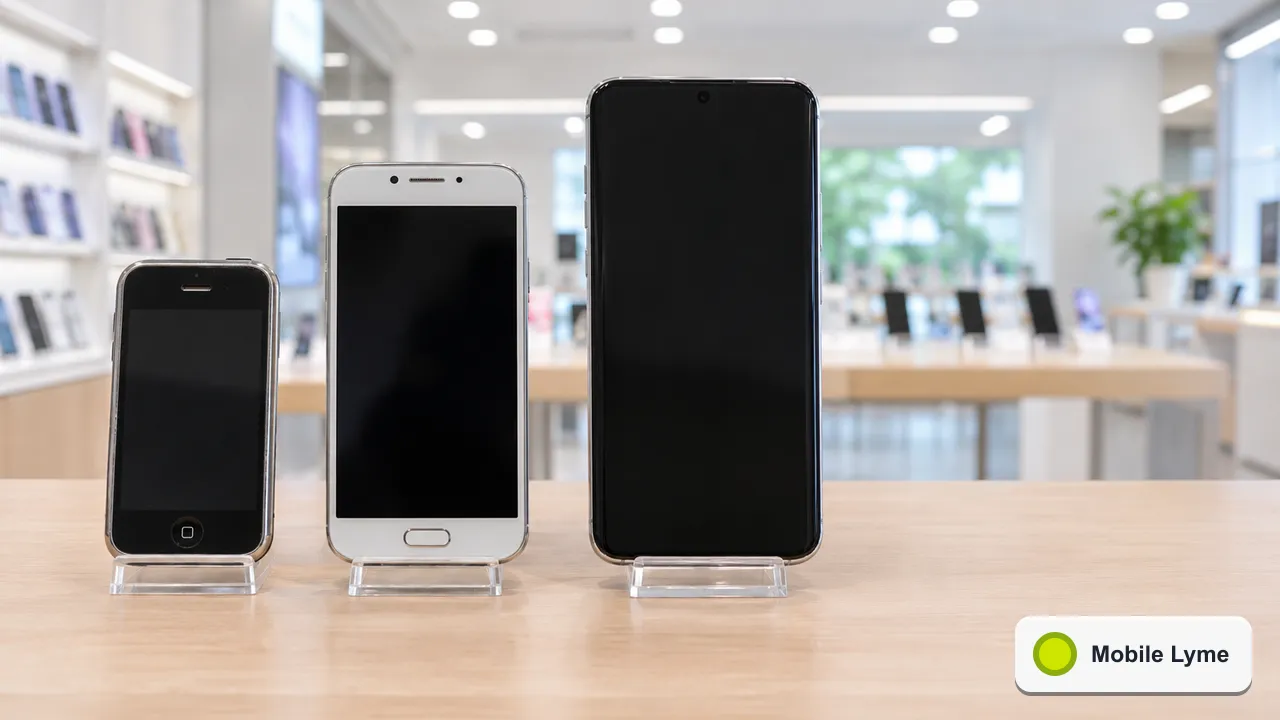
Before you buy a phone, check the date its security updates end. Under UK product security law in force since 29 April 2024, manufacturers of connectable products such as smartphones have to publish a minimum security update period with an end date. Google, for example, promises seven years of updates for the Pixel 8 and later models. A cheaper phone with four years left can be better value than a discounted older flagship with two.
Security updates are the patches that fix weaknesses criminals could use to get into your phone. Once they stop, the phone keeps working, but each new problem that is discovered stays open. With Black Friday and Christmas bringing a wave of discounted older models, the update end date is one of the most useful numbers to check, and one of the least advertised.
What the law requires
The government's page on the product security regime explains that the UK's rules for consumer connectable products came into effect on 29 April 2024 under the Product Security and Telecommunications Infrastructure (PSTI) Act 2022 and its 2023 regulations. Three requirements matter to buyers:
- Passwords must be unique to each product or set by the user, rather than a shared default that is easy to guess.
- A way to report security problems must be published, so researchers can tell the maker about flaws.
- Information on minimum security update periods must be published and available to the consumer in a clear, accessible way. It must give the minimum length of time security updates will be provided, along with an end date, in language a reader without technical knowledge can understand.
The Office for Product Safety and Standards enforces the regime. In practice, it means every phone sold new in the UK should have an update end date you can find without having to ask.
Where to find the date
Manufacturers publish the information in different places:
- Product pages and packaging. Some brands put the support period on the product listing or in a statement of compliance that comes with the phone, which can be digital.
- Support sites. Google's Pixel update page lists each model's support period. As of November 2026, it says the Pixel 8 and later phones, up to the Pixel 11 range, get seven years of OS and security updates, counted from when each model first went on sale on the US Google Store. The Pixel 6, 7 series and the original Pixel Fold get five years.
- Retailer listings. Larger UK retailers often show the support end date in the specification table. If it is missing, ask before you buy.
The important detail is the start point. Support usually runs from when the model was first released, not from when you buy it. A phone launched three years ago with a five-year promise has about two years left, however new the box looks.
Why it matters more than it used to
Phones now hold banking apps, health records, ID documents in wallets and the codes that protect every other account. An unpatched phone is a larger target than an unpatched laptop for many people, simply because it goes everywhere and is always connected.
Many apps also stop supporting old versions of Android and iOS after a while. Banking apps are often among the first. A phone that still turns on but cannot run your bank's app is a phone you will be replacing sooner than you planned.
Checking your current phone
To see whether your phone is up to date:
- Android: open Settings, then About phone or System, and look for the Android version and the security update date. Google's page says Pixel owners can check manually under Settings, System, Software update.
- iPhone: open Settings, General, Software Update.
If the security update date on an Android phone is more than a few months old and no update is offered, your phone may have reached the end of its support, or your carrier may be slow to pass updates on. Search for the model on the maker's support site to confirm.
Refurbished and second-hand phones
This is where the update date matters most. A refurbished flagship can be a fine buy, but only if it has a useful amount of support left. Before buying, look up the original launch date and the manufacturer's support period, then work out the years remaining. Our refurbished phone guide covers the other checks, from battery health to warranty.
If you are comparing Black Friday offers, our guide to working out the real cost of a phone deal explains how to add up a contract. Put the update end date next to the total and the right choice often becomes clearer.
When support ends
A phone that no longer gets security updates is not instantly unsafe, but the risk grows over time. If you keep using one, reduce what is on it: remove banking and payment apps, avoid installing apps from outside the official store and do not use it for work accounts. It can still be a handy music player, a sat nav in the car or a spare for emergencies.
When you do replace it, follow our checklist for wiping an old phone before it leaves your hands, so your accounts go with you rather than with the handset.
More from Mobile Lyme
- Smartphones
Black Friday Phone Deals 2026: Working Out the Real Total Cost
Add up the full term, including the April rises, before you compare contract and SIM-free offers.
- Charging
Taking a Power Bank on a Plane This Christmas: The 2026 Rules
Hand luggage only, two per person and no recharging in the air. How to check the watt-hours and pack.
- Smartphones
Setting Up a Child's First Smartphone for Christmas
Create their account, link it to yours and agree a few rules before the phone is wrapped.