Before You Trade In or Sell Your Old Phone: A Wipe Checklist
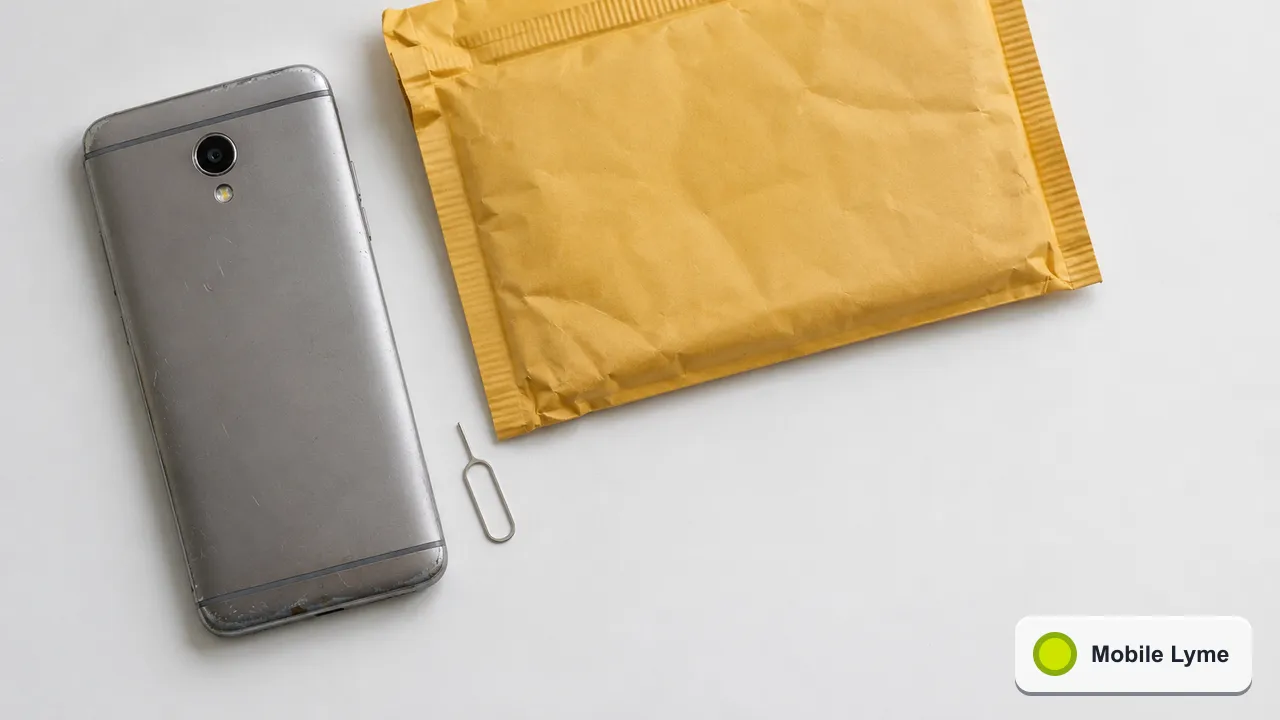
Before you trade in or sell an old phone, back it up, move your data to the new phone, sign out of your Apple or Google account, then erase it from the settings menu. Skipping the sign-out step is the most common mistake: it can leave the phone locked to you, which means a trade-in may be rejected and a private buyer cannot use it.
A new phone at Christmas usually means an old one going into a drawer, a trade-in envelope or a listing on a resale site. A few careful steps protect your photos, messages and accounts, and make sure the next owner gets a phone they can actually set up.
First, make sure everything has moved
Do not wipe anything until your new phone is fully working. Check that:
- Your photos and videos are in your cloud library or on the new phone.
- WhatsApp, Signal and other messaging apps have been transferred using their own backup or transfer tools, which are separate from the phone's main backup.
- Banking and authenticator apps have been set up on the new phone and work. These often need re-registration, and losing access to an authenticator can lock you out of other accounts.
- Any travel cards or loyalty cards stored in your wallet app are on the new phone.
Keep the old phone for a week or two after switching if you can. It is surprising how often an app turns out to need a code from the old device.
iPhone: the order that matters
Apple's guide to what to do before you sell or trade in sets out these steps, which are worth following in order:
- Back up the iPhone, and transfer to your new device, using Quick Start if both are recent.
- Check Parts and Service History. If any part shows "Finish Repair", Apple says you need to complete that repair before you can trade the device in.
- Unpair your Apple Watch if one is paired.
- Sign out of iCloud and the stores. On iOS 26 and later, open Settings, tap your name, tap Sign Out and choose to erase the device.
- If you are moving to an Android phone, deregister iMessage so texts from iPhone users reach you.
- Go to Settings, General, Transfer or Reset iPhone, then Erase All Content and Settings.
Apple also suggests turning off Stolen Device Protection before you sell, give away or trade in an iPhone, and removing the old phone from your list of trusted devices on your Apple Account. One important warning from Apple: while you are still signed in to iCloud, deleting items manually removes them from iCloud and all your other devices too. Sign out first, then erase.
Android: get the Google account off first
Android phones have a protection that requires the last Google account to be entered after a reset. That is great if a phone is stolen, and a headache if you sell one without removing your account. Google's factory reset guide explains that you need to know the Google Account on the phone and its password, and recommends waiting 24 hours before a factory reset if you have recently changed that password.
The simplest approach for a sale or trade-in is:
- Confirm your data is backed up to your Google Account, remembering that apps and their data are removed by a reset.
- Remove your Google Account, and any Samsung or other manufacturer account, from Settings, Accounts.
- Charge the phone; Google suggests at least 70%, as a reset can take up to an hour.
- Run the factory reset from the settings app.
Apple's trade-in page makes the same point for Android phones sent to Apple: failing to sign out of your Android account affects whether the trade-in is accepted.
The physical checks
- SIM and memory card. Take out your SIM and any microSD card. If you use an eSIM, it should be removed by the erase, but check with your network if you are unsure.
- Case and screen protector. Some trade-in schemes grade the phone on its condition, so a quick clean helps. Our guide to cleaning a phone safely covers ports and grilles.
- Accessories. Decide whether the cable and box go with the phone. Many buyers value the original box.
Trade-in, sell privately or recycle?
Network and manufacturer trade-in schemes are quick, and Christmas bonuses can make them competitive, but the final value depends on the condition the scheme finds when it inspects the phone. Read the grading description carefully and take photos of the phone from every side before you post it.
Selling privately often brings more money but takes more effort. A buyer will want to see that the phone is not locked to an account and that the battery is in reasonable shape. Being able to show the battery health reading in settings helps. Our refurbished buying guide lists the questions a sensible buyer will ask, which is a useful checklist from the other side.
If the phone is too old or damaged to sell, pass it to a recycling scheme rather than putting it in household rubbish. Lithium batteries can cause fires in bin lorries and waste sites.
If you have already sent it off
If you realise you forgot to sign out, you can still remove the device from your account remotely. For an iPhone, Apple says to remove the device from your list of trusted devices and erase it via Find Devices on iCloud.com. For Android, sign in to your Google Account from another device and remove the old phone under your security settings. It is better to do this the same day than wait for the trade-in company to send it back.
More from Mobile Lyme
- Phone Care
Scam Texts About Parcels and Payments: How to Spot and Report Them
Forward suspicious texts to 7726, use 159 for bank calls and check deliveries through the retailer.
- Smartphones
Black Friday Phone Deals 2026: Working Out the Real Total Cost
Add up the full term, including the April rises, before you compare contract and SIM-free offers.
- Smartphones
Using Your Phone in Europe This Winter: Roaming Charges and Settings
Check your network's European zone and fair-use limit, then change four settings before you fly.