Setting Up a Child's First Smartphone for Christmas
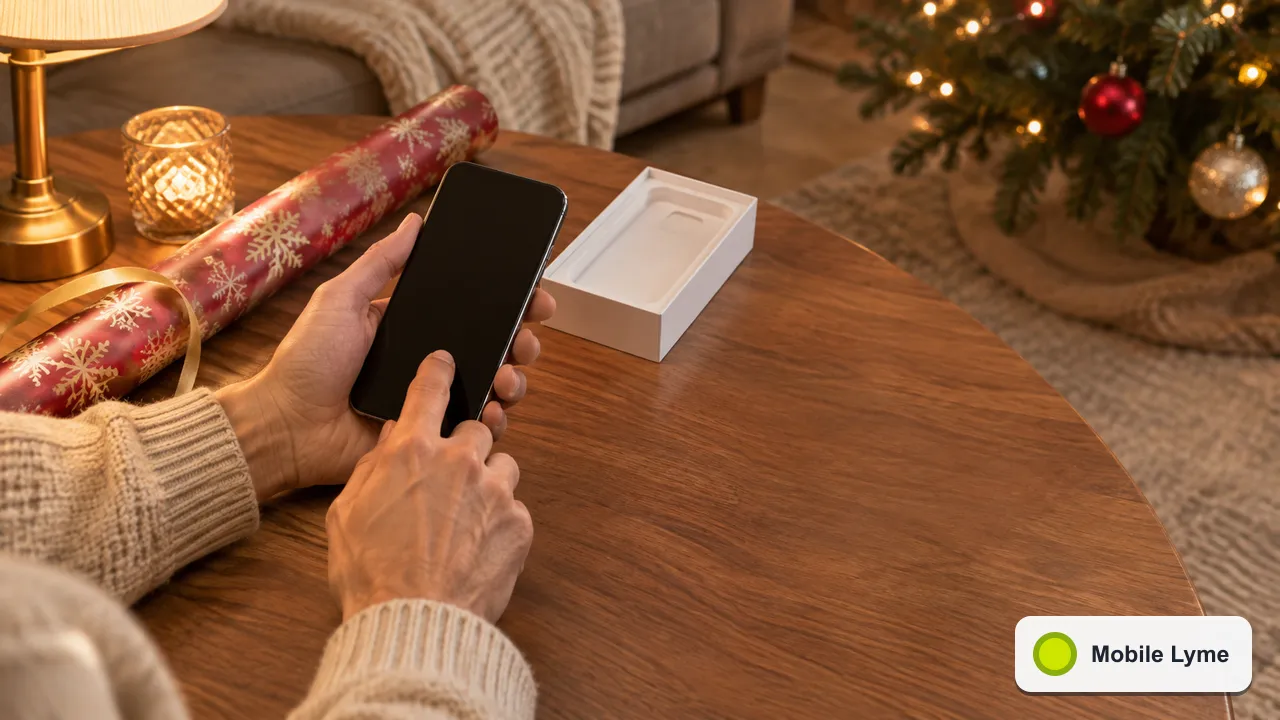
The best time to set up a child's first smartphone is before it is wrapped, not on Christmas morning. Create the child's own account, link it to yours with Apple Family Sharing or Google Family Link, decide on app approval and screen time limits, and agree a few house rules together. Then the phone is ready to use the moment it is opened.
A first phone is a big step, and it often arrives at Christmas or ahead of a move to secondary school. The parental tools built into iPhone and Android have improved a great deal, and the law around what children see online has changed too. Here is a practical way to get everything in place over a quiet evening in December.
Start with the child's own account
Both Apple and Google want a child to have their own account rather than borrowing a parent's. That matters because the controls attach to the account, not just the handset.
Apple's parental controls guide says to set up Family Sharing first, create a Child Account if your child does not already have one, and make sure the child's Apple Account is part of your Family Sharing group. Apple stresses that the child should not share an account with anyone else in the family. It also suggests adding the Family Sharing organiser or another parent to the child's contacts, so requests for approval reach you.
On Android, Google's Family Link help page explains that you can create a Google Account for a child under 13, or add supervision to an existing account. Google notes that Family Link cannot supervise iPhones, iPads or computers other than Chromebooks, so if your household mixes brands, plan for each device's own tools.
Decide what needs your approval
The controls you will use most often are about apps and purchases.
- On iPhone, Ask to Buy and Ask to Browse send you a request when your child wants a new app or a new website in Safari and other supported browsers. You can approve, decline or allow sites in advance for schoolwork. Approved and blocked items are kept in lists under Apps & Websites in Screen Time.
- On Android, Family Link lets you approve downloads from the Play Store and manage purchases from your own phone.
Apple notes that Screen Time has new parental controls in iOS 27, and that some controls are switched on by default depending on your region and your child's age. It is worth upgrading to the new controls during setup rather than discovering them later.
Screen time that feels fair
Hard daily limits work for some families and cause arguments in others. A few approaches worth trying:
- Downtime at night. Schedule the phone to allow only calls and a few chosen apps after a set time, and charge it outside the bedroom. A cheap charger in the kitchen solves a lot of late-night scrolling; our charger guide covers what to buy.
- Limits by category. Keep messaging and maps open while limiting games and video.
- Review together. Look at the weekly activity report with your child rather than reading it alone. It turns a rule into a conversation.
Who can they contact?
For younger children, the most important setting may be communication limits. Apple's guide describes choosing who your child can communicate with, so a new contact needs your approval. Messaging and social apps have their own settings too, so check each one as it is installed rather than assuming the phone-level controls cover everything.
Location sharing can be reassuring, but it is worth explaining to your child why you are turning it on and when you will look at it. Trust tends to hold up better when nothing is hidden.
What the Online Safety Act changes
Parental controls are one layer; the services themselves are another. The government's Online Safety Act explainer sets out how platforms likely to be used by children had to complete children's risk assessments by 24 July 2025, with the child safety regime fully in effect from summer 2025. Ofcom enforces these duties.
In practice, many apps now ask for age checks and apply stricter default settings to younger users. That helps, but it does not replace the settings on the phone, and minimum ages on social media apps still apply. Check the age rating of each app before approving it.
Choosing the phone itself
A first phone does not need to be new or expensive. A recent refurbished model from a reputable seller with a decent warranty is often the sensible option, provided it still gets security updates. Our guides to buying a refurbished phone and to checking how long a phone will get updates explain what to look for.
Spend a little of the saving on a sturdy case and a screen protector. Children drop phones, and a cracked screen in January is a common and avoidable cost.
A few house rules to agree on
Technology settings work best alongside simple agreements. Keep them short and write them down:
- Phones stay downstairs overnight.
- Ask before downloading a new app or joining a new group chat.
- Never share your passcode, even with friends.
- Tell a parent if anything online makes you uncomfortable, and you will not lose the phone for telling us.
- We will look at the settings together again in the summer holidays.
That last point matters. What suits a ten-year-old will feel restrictive at thirteen, and loosening controls step by step as your child shows they can manage is far easier than trying to tighten them after a problem. If you have concerns about your child's wellbeing or what they have seen online, their school or GP is a good first port of call for support.
More from Mobile Lyme
- Phone Care
Why Your Phone Dies in the Cold and How to Stop It
Cold batteries sag under load. Warm the phone gently and most of the charge comes back.
- Phone Care
Scam Texts About Parcels and Payments: How to Spot and Report Them
Forward suspicious texts to 7726, use 159 for bank calls and check deliveries through the retailer.
- Smartphones
Mobile Price Rises in April 2027: What Your Contract Says and What You Can Do
O2 and Vodafone airtime plans go up £2.50 a month. Here is what your contract allows and your options.